
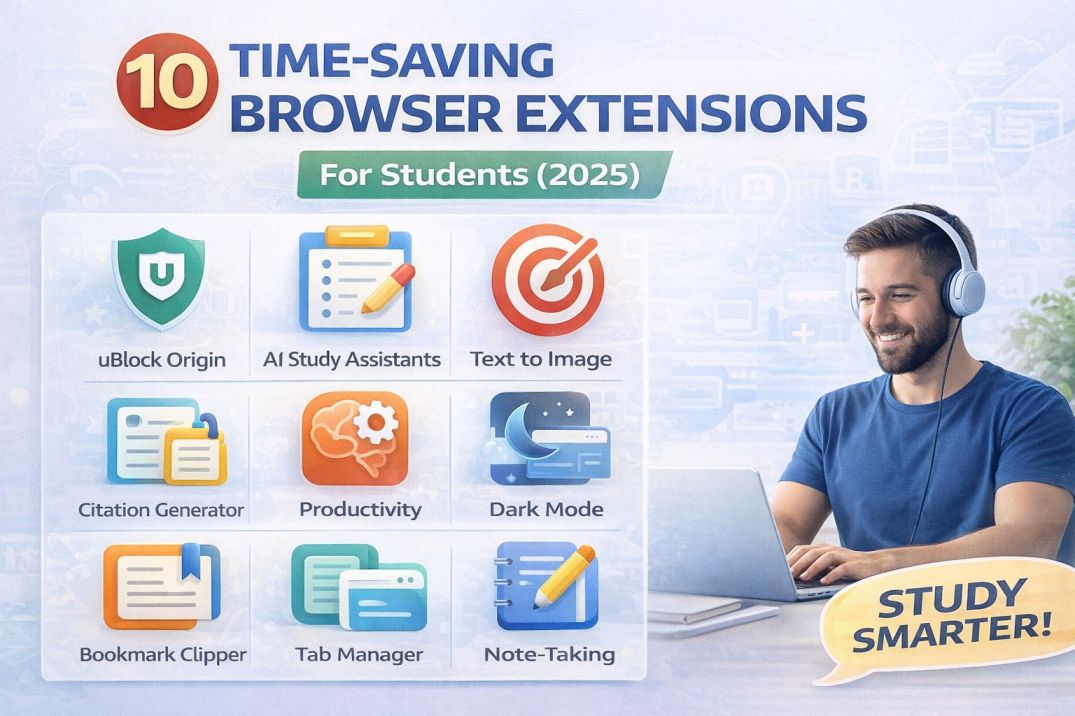
My browser has 47 tabs open right now. Two years ago, that would have meant chaos, crashes, and constant frustration. Today, thanks to the right browser extensions, my productivity has never been higher. Here are the 10 browser extensions that genuinely save students hours every week—extensions I use daily and recommend to every student I mentor.
About the Author
Written by the vidooplayer Team with 10+ years creating educational tools for students. We've tested over 50 browser extensions and selected only those that are genuinely free, privacy-respecting, and effective for academic use.
Why Browser Extensions Matter for Students
Think about how much time you spend in your browser. Research suggests students spend 6-8 hours daily browsing for coursework, research, and studying. Even small efficiency gains—saving 10 minutes per hour—add up to 30+ hours saved per month.
The right extensions don't just save time—they eliminate friction. They block distractions before temptation strikes, format citations automatically, and capture information seamlessly. They work silently in the background, making you more productive without requiring constant attention.
💡 Pro Tip: Extension Hygiene
Don't install too many extensions—they slow down your browser and create security risks. Stick to 10-15 essential extensions maximum. Regularly audit and remove extensions you no longer use.
Productivity & Focus Extensions
1. uBlock Origin – The Ultimate Ad Blocker
What it does: Blocks ads, pop-ups, trackers, and malware. Unlike other blockers, uBlock Origin is open-source, uses minimal memory, and doesn't have an "acceptable ads" program that lets certain ads through.
Why students need it: Educational websites are often plastered with distracting ads. Blocking them means faster page loads, cleaner reading experiences, and fewer interruptions during research sessions.
Key features:
- Blocks over 99% of ads and trackers
- Uses less than 50MB of RAM (competitors use 300MB+)
- Customizable filter lists for specific needs
- Protects against malware and phishing
Download: Available for Chrome, Firefox, Edge, and Safari
2. Forest – Stay Focused, Plant Trees
What it does: Gamifies focus by growing a virtual tree when you stay on task. Leave the page, and your tree dies. Over time, you build a forest representing your productive hours.
Why students need it: Perfect for timed study sessions. The gentle "guilt" of killing a tree is surprisingly effective motivation to stay focused during pomodoro sessions or essay writing.
Key features:
- Customizable blocklist for distracting sites
- Syncs with mobile app for cross-device focus
- Real tree planting—Forest partners with Trees for the Future
- Statistics to track your productivity trends
Download: Chrome, Firefox (Free with premium features)
3. Momentum – Replace New Tab with Purpose
What it does: Transforms your new tab page into a beautiful, minimalist dashboard with a daily focus question, to-do list, inspirational quote, and stunning photography.
Why students need it: Every new tab is an opportunity for distraction. Momentum replaces that moment with a reminder of your main focus for the day, keeping you anchored to your goals.
Key features:
- Daily focus prompt to set your priority
- Simple to-do list visible in every new tab
- Weather, greeting based on time of day
- Customizable links for quick access
Download: Chrome, Firefox, Edge (Free)
Research & Citation Extensions
4. Zotero Connector – One-Click Citation Saving
What it does: Detects citations on web pages (academic papers, books, news articles) and saves them to your Zotero library with one click—including full metadata and PDFs.
Why students need it: Citation management is where most students waste hours. Zotero Connector automates capturing sources while you research, so your bibliography builds itself.
Key features:
- Works with Google Scholar, JSTOR, library catalogs, and more
- Automatically grabs PDFs when available
- Generates citations in any format (APA, MLA, Chicago, etc.)
- Syncs across devices with free Zotero account
Pro Tip: Use Zotero with Google Docs for in-document citation insertion and automatic bibliography generation.
Download: Chrome, Firefox, Safari, Edge (Free)
5. Google Scholar Button – Quick Academic Search
What it does: Adds a Google Scholar search button to your toolbar. Highlight any text on a page, click the button, and search for academic papers on that topic instantly.
Why students need it: When reading an article and you want to dive deeper into a claim, highlight the key phrase and search immediately—no need to open a new tab and navigate to Google Scholar.
Key features:
- Highlight-to-search functionality
- Shows citation count for quick relevance check
- Links to library access (configure in settings)
- Transfer citations to citation managers
Download: Chrome, Firefox (Free)
6. Hypothesis – Annotate the Web
What it does: Allows you to highlight and annotate any web page, PDF, or EPUB. Annotations are saved to your account and can be shared with study groups or kept private.
Why students need it: Active reading—highlighting and taking notes—dramatically improves retention compared to passive reading. Hypothesis brings active reading to digital sources.
Key features:
- Create highlights and notes on any webpage
- Works with PDFs opened in browser
- Group annotation for collaborative study
- Export annotations for later review
Download: Chrome, Firefox, Edge, Bookmarklet for Safari (Free)
Writing & Productivity Extensions
7. Grammarly – Real-Time Writing Assistance
What it does: Checks grammar, spelling, punctuation, and style in real-time across virtually every text input on the web—emails, Google Docs, discussion posts, and more.
Why students need it: You're writing constantly—emails to professors, discussion posts, essays, applications. Grammarly catches errors you'll miss when proofreading your own work, especially when tired.
Key features:
- Grammar and spelling correction
- Clarity and conciseness suggestions
- Tone detection (too formal? too casual?)
- Works in Google Docs, Word Online, email clients
Free tier: Grammar, spelling, punctuation (Premium adds style suggestions)
Download: Chrome, Firefox, Edge, Safari (Free)
8. Todoist for Browser – Task Capture Anywhere
What it does: Lets you add tasks to Todoist from any web page. Browsing Reddit and remember an assignment? Add it instantly. The extension can capture the current URL as a task reference.
Why students need it: Tasks pop into your head at random moments. Without a capture system, you'll forget. With Todoist's extension, capture takes 2 seconds without breaking your flow.
Key features:
- Quick-add task with keyboard shortcut
- Attach current URL to task for context
- Add due dates and project assignments inline
- View today's tasks in popup without opening app
Download: Chrome, Firefox, Edge, Safari (Free)
Tab & Session Management
9. OneTab – Tame Tab Overload
What it does: Converts all open tabs into a single list of links with one click. Reduces memory usage by up to 95% and declutters your browser instantly.
Why students need it: Research spirals lead to 50+ tabs. Instead of losing them or crashing your browser, OneTab lets you save tab sessions for later—group them by project, assignment, or research topic.
Key features:
- One-click tab consolidation
- Name and organize tab groups
- Restore individual tabs or entire sessions
- Share tab lists via shareable URL
Pro Tip: Before starting a new assignment, OneTab your current session. Label it. Now you can focus without losing your previous work context.
Download: Chrome, Firefox, Edge (Free)
10. Dark Reader – Reduce Eye Strain
What it does: Enables dark mode on every website, automatically adjusting colors for comfortable reading in low-light conditions or during late-night study sessions.
Why students need it: Late-night cramming and long reading sessions strain your eyes. Dark mode reduces blue light exposure, lessens eye fatigue, and can help with sleep quality when studying at night.
Key features:
- Works on virtually any website
- Customizable brightness, contrast, and grayscale
- Site-specific settings (disable on sites that already have dark mode)
- Scheduled auto-enable (sunset to sunrise)
Download: Chrome, Firefox, Edge, Safari (Free)
Bonus: Honorable Mentions
These didn't make the top 10, but are worth knowing about:
- Loom – Record quick video explanations (great for group projects)
- ColorZilla – Pick colors from any webpage (design students)
- WhatFont – Identify fonts on any website (design students)
- Video Speed Controller – Speed up/slow down any HTML5 video
- Print Friendly – Clean up web pages for printing or PDF saving
How to Set Up Your Extension Stack
Here's a recommended approach to building your extension toolkit:
Day 1: Essential Foundation
- uBlock Origin – Clean browsing experience
- Dark Reader – Reduce eye strain
- Grammarly – Writing assistance
Day 2: Productivity Boost
- Momentum – Focus reminder in new tabs
- OneTab – Tab management
- Todoist – Task capture
Day 3: Research Power
- Zotero Connector – Citation management
- Google Scholar Button – Academic search
- Hypothesis – Web annotation
Day 4: Deep Work
- Forest – Focus sessions
⚠️ Extension Security Tips
Only install from official stores (Chrome Web Store, Firefox Add-ons). Check reviews and permissions carefully. An extension asking for "read all your data on all websites" should be a red flag unless essential for its function.
Combine Extensions with vidooplayer Tools
Browser extensions work great alongside vidooplayer's free online tools:
- Word Counter – Check essay word counts as you write
- PDF Merge – Combine research PDFs saved with extensions
- Image Compressor – Optimize images for presentations
- Remove Duplicate Lines – Clean up exported lists and data
- Case Converter – Format titles and headings correctly
Conclusion: Your Browser, Supercharged
These 10 extensions transform your browser from a simple window to the web into a productivity powerhouse. Start with the essentials (uBlock Origin, Dark Reader, Grammarly), then add tools as your workflow demands.
Remember: the best extension is the one you'll actually use. Try them one at a time, integrate them into your workflow, and remove any that don't genuinely help.
Your browser is where you spend most of your academic life. Make it work for you, not against you.
💡 Explore More Student Tools
Looking for more productivity tools? vidooplayer offers 100+ free browser-based utilities for writing, document processing, and more—no installation required.
Explore Free Tools

